What Dots Is: The Headline DevDay Announcement
OpenAI unveiled new AI agents called "Dots" on September 29 at its annual DevDay developer conference in San Francisco. Powered by the GPT-6 Astra large language model, these agents are, in the company's words, "surprisingly capable, always-on agents" that carry out user-defined goals in the background, almost entirely on their own.
Dots is fundamentally different from traditional chatbots: it is not tied to a specific device or interface. Each dot has its own cloud computer and can connect to more than 4,000 apps through OpenAI's plugin ecosystem. It can be reached via ChatGPT, Slack, and Microsoft Teams; the company has announced it will add text messaging support later.
According to the company's official announcement, a dot learns the user's goals and working standards, improves from feedback, and operates 24/7. OpenAI cites an example from its internal experience: when an error appears in Slack, the dot immediately starts an investigation; when a new design arrives, it turns it into a working app; and during planning periods it keeps the team moving in sync with deadlines. One external tester's dot noticed he had forgotten to send an invoice to a publisher, prepared the document, and sent it after approval.
"Today, you can start with your primary dot, give it a name, and make it your own. Over time, we envision teams of dots working together on your behalf." — OpenAI, "Introducing dots"
How It Works: Its Own Cloud Computer and 4,000+ Apps
Each dot runs on an independent cloud computer, with its own browser, connected apps, and working environment. Users can open their dot's computer at any time to watch what it is doing. With permission, a dot can also connect to the user's laptop and work right alongside them.
Dots handles multiple projects at once: the user simply keeps adding tasks, with no need to manage separate conversations or watch every step. A project started in ChatGPT connects to the team in Slack, and the dot carries the work through to completion — context is preserved across all channels.
The working style resembles ordinary conversation: in ChatGPT's desktop, web, and mobile versions you can message your dot or give it a voice call — when something needs discussing, you just call. The dot, in turn, reports on progress, questions, or situations needing decisions. The longer you work together, the better the dot learns your preferences, your way of thinking, and your criteria for a "good result."
TechCrunch lists two practical scenarios cited by OpenAI: a developer launches a dedicated dot that tracks customer feedback, fixes bugs, and adds requested features; a scientist uses a dot that re-runs analysis as experimental data arrives and checks unexpected results. In both cases the dot works on the project independently, and the human only approves the final decisions.
Safety: Boundaries, Permissions, and "Proactive Research"
An always-on agent also raises safety questions, and OpenAI answers them with several layers of protection. Each dot runs on a separate cloud computer; the user's computer and its contents stay isolated until connection permission is granted. When accessing supported sites, a dot can use saved passwords without showing them to the model.
When the user is not actively working with a dot, it looks for ways to help in the background — OpenAI calls this "proactive research." In this mode the dot uses only the read-only tools of connected apps: it cannot send messages, change app content, or control the browser or computer.
As an additional safeguard, an "auto-review" mechanism compares actions that could affect accounts or share data against user instructions, custom rules, and safety requirements. This determines which work continues, which requires approval, and which only the user themselves may perform. Some sensitive tasks, like changing a password, always stay with the user.
Users choose which apps their dot can access and manage permissions through existing ChatGPT settings. A dot comes with internal rules on when to act independently and when to ask permission; "Custom Rules" can allow, require approval for, or forbid specific actions. All background work is tracked in the "Activity View" window.
On privacy: content in ChatGPT Business, Enterprise, or Edu workspaces is not used to improve models by default. On personal plans, use of dot conversations and work can be configured, but "proactive research" and the dot's own notes are never used directly in training.
Specialist Dots: Dedicated Agents for Enterprises
While an ordinary dot works on behalf of the user, "specialist dots" take on specific responsibilities inside an organization. Each specialist dot is configured with its own identity, credentials, and access rights to the systems needed to complete its task. It adapts to new data and improves from team feedback.
In internal tests, OpenAI tried specialist dots in procurement, invoice processing, email marketing, customer support, and commercial contracts. The company is now starting with a narrow set of enterprise pilot projects: engineering teams work with organizations to define each dot's responsibilities, the tools it uses, and how people will review and approve its work.
At the same time, OpenAI is working with Microsoft to integrate specialist dots into Agent 365 management and security controls. The goal is for businesses to manage dots through the Microsoft tools they already use.
Competitive Landscape: An Answer to Meta's Muse
The timing of the announcement is no coincidence: Dots was unveiled a week after Meta released its personal AI agent Muse. According to TechCrunch, on the DevDay stage Sam Altman called dots "surprisingly capable, always-on agents built to solve everything" and positioned them directly as an alternative to Meta's product.
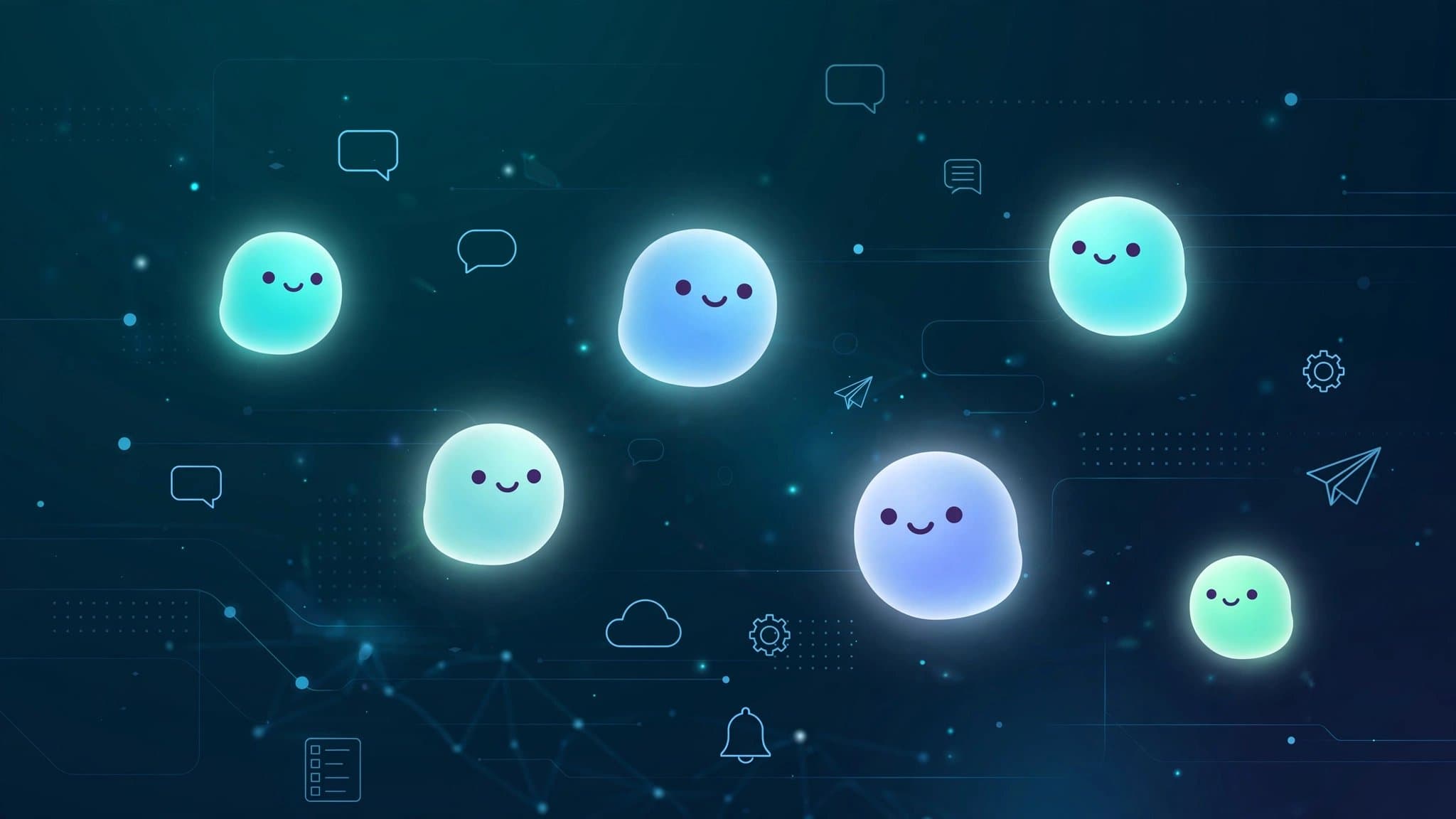
The branding is also notable: Dots has a bubbly, cartoonish look — just like Meta's Muse, another example of companies trying to make AI feel closer to people.
Technically, TechCrunch notes, most of these features already existed in Codex and similar agent systems. What's new about Dots is bringing them together in a single package focused on independent agent actions.
Release Plan and Pricing
Since September 29, Dots has been rolling out in ChatGPT to Pro and Business Premium users in eligible markets. The first dot is included in the Pro or Business Premium plan at no extra cost — available for 24/7 conversation, thinking help, and tracking important work. The plan also includes a limit for deeper work; limits are expanded in the first month after launch.
According to OpenAI's announcement, in the future users will be able to add more dots and increase each dot's speed or monthly workload. Conversations with a dot do not count toward ChatGPT usage limits; if a dot starts or runs a task in Codex or ChatGPT Work, those tasks count toward the usual limits.
Enterprise (including Edu and Healthcare) workspace admins can try the beta if they enable it. To get started, the first dot is created in the ChatGPT desktop app or desktop browser, apps are connected, and the dot introduces itself; after that it can also be messaged via the mobile app.
The Day-Before Backdrop: GPT-6.1 Astra Halted
The Dots presentation came against the backdrop of another OpenAI decision: a day before the announcement, the company halted the rollout of the GPT-6.1 Astra model over safety concerns raised by researchers. According to The Hindu BusinessLine, Sam Altman did not mention the halted model in his keynote.
This detail makes the safety rhetoric around Dots even more noteworthy: the company is on one hand releasing powerful agents, and on the other acting on warnings from its own researchers. Against this backdrop, the FTC's investigation of OpenAI and Anthropic over "rogue AI agents" also shows the agent-safety topic reaching regulators' agendas.
Uzbekistan Context
The Dots rollout is initially limited to Pro and Business Premium plans and "eligible markets" — whether Uzbekistan is on that list has not yet been disclosed. Still, the direction itself gives Uzbek users and businesses three clear signals.
First, the AI agent is turning from a standalone "tool" into an always-on partner: repetitive tasks like customer correspondence, document preparation, and data collection run in the background. For small IT teams and outsourcing companies in Uzbekistan, this means a chance to expand one employee's workload capacity.
Second, integration with more than 4,000 apps shows that agents' value depends on the ecosystem. Until local systems widely used by Uzbek businesses — Telegram, 1C, banking apps — are connected to such ecosystems, the full benefit of agents like Dots will remain limited.
Third, "proactive research" running in read-only mode and mechanisms like auto-review signal an emerging industry standard for agent trust. For banks and government organizations deploying AI solutions in Uzbekistan, this hints that similar requirements may eventually enter local regulation too.